

This article will guide you on how to set up fraud protection services for your online store in Shopify.
Steps to set up fraud protection #
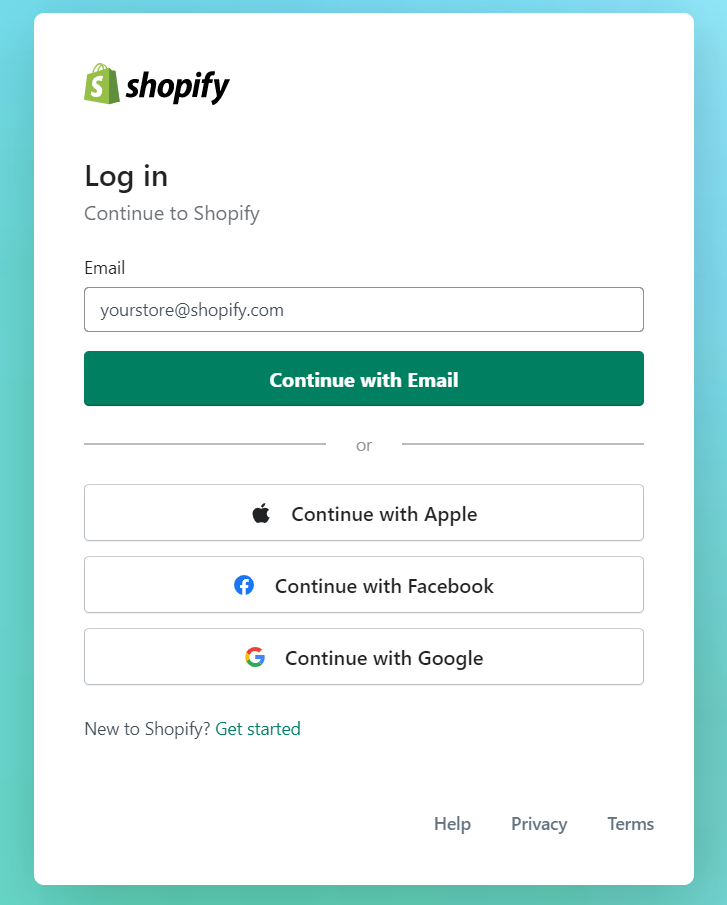
- Login to your Shopify store admin area.
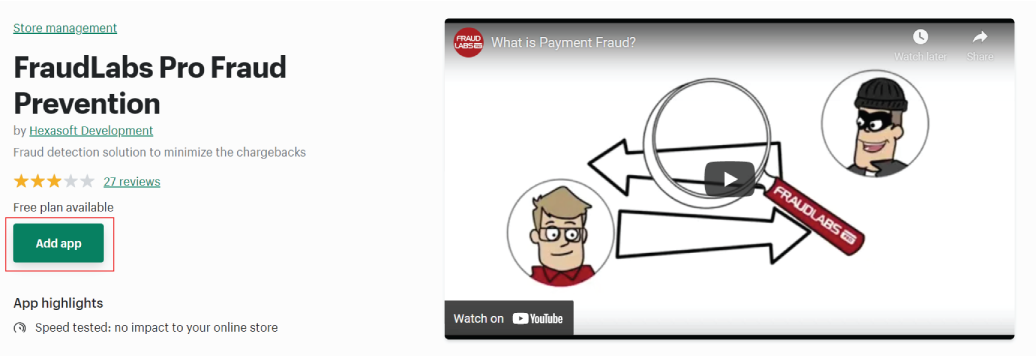
- Go to FraudLabs Pro page at Shopify App Store.
- Click on the Add app button.
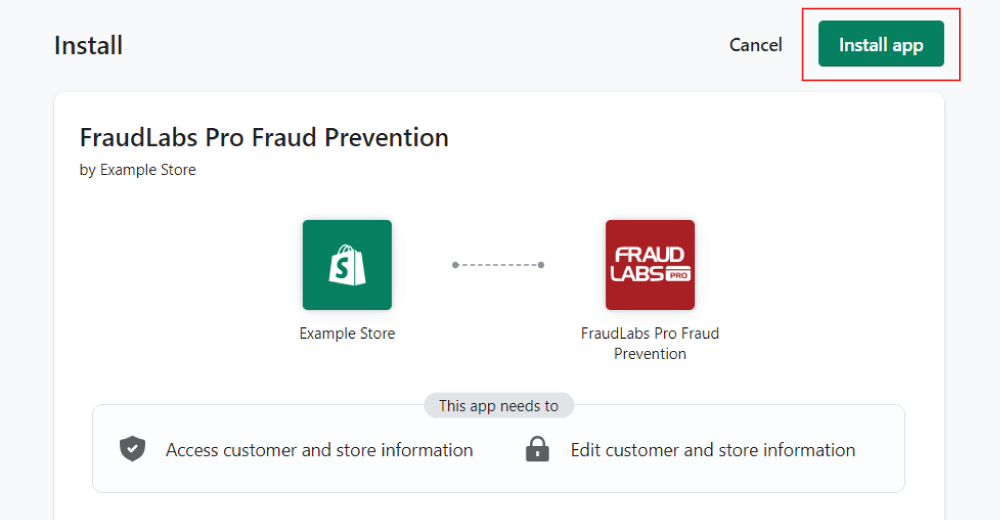
- Click on the Install app button to install FraudLabs Pro Fraud Prevention.
- Done.
Ready to start with FraudLabs Pro? #
Get Micro plan for free, you can quickly explore and integrate with our fraud prevention solution in minutes.